
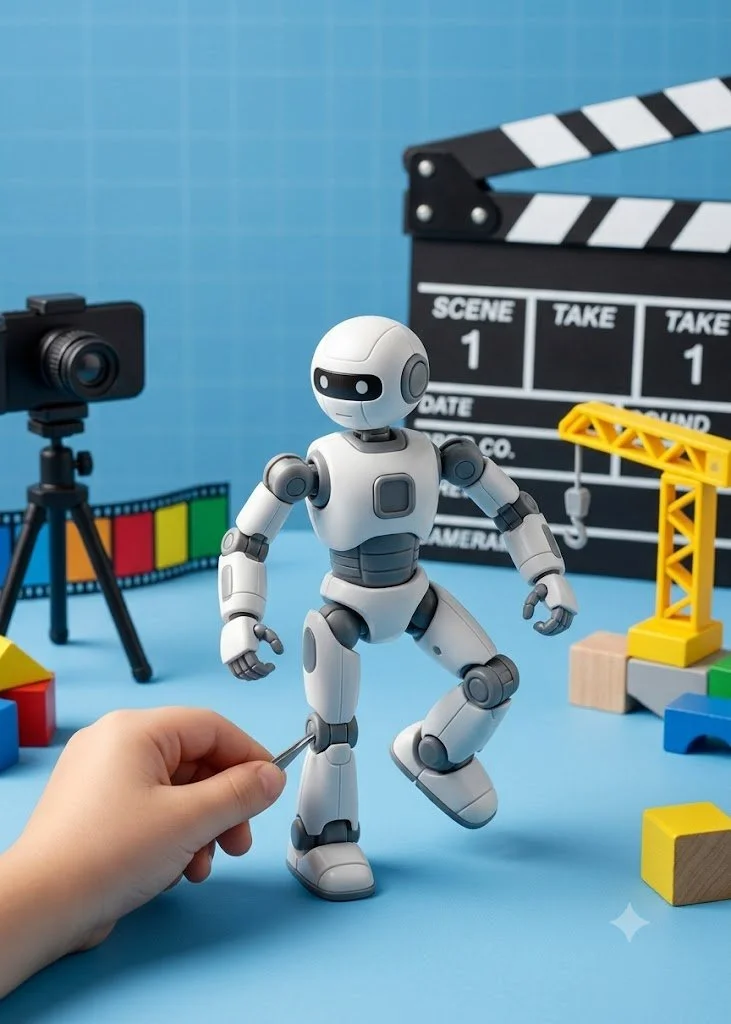
My son and I made a short stop motion movie this week. It took a single afternoon, cost nothing beyond tools I already had, and he did most of the work. Writing down how we did it in case it's useful to anyone else with a kid and a pile of LEGO.
If you haven't come across it before, stop motion is a sequence of still photos stitched together into a video with audio laid over the top. You move the figures a little, take a shot, move them again. The more frames you shoot for a given bit of motion, the smoother it looks. My son watched the Lego Batman movie and was inspired to create a stop motion movie.
The main thing is to let the kid lead. Step in when they get stuck or when something needs a grown-up, and otherwise stay out of the way. My son picked the characters, picked the villain, decided the LEGO would be the set, placed everything, and worked out the plot. Being a control freak, I struggled to not remove the hair in the front of the set but I managed to stop myself and avoid tainting his creativity.
What he decided
The Marvel characters, who fights whom, what happens and in what order. He built the set out of his own LEGO and placed every prop. He also ran the camera and moved the figures frame by frame, which is the slowest and most tedious part of the whole thing, and he stuck with it.
The script
I took his plot and gave it to Gemini to turn into a coherent script with actual lines per character. He knew what he wanted to happen but not how to write dialogue that holds together, so this was the right place for me to step in. Keep it short. A two minute movie is a lot of frames.
Voices and music
I used ElevenLabs for the character voices and the music.
One thing to know upfront: ElevenLabs won't generate voices for copyrighted characters, so you can't ask for a specific Marvel actor or character voice. What works instead is describing the voice you want. Gravelly and older, high and fast, calm and menacing, that kind of thing. You get something with the right feel without asking the tool to do something it won't do. Same approach for music. I asked for heroic epic music and got something that worked fine under the action.
Shooting
Use a phone stand. This is very important. If you hold the phone, every frame shifts slightly and the finished movie jerks around. In the absence of a stand, rest it on a stable surface to avoid jitters
Two tricks:
Shoot on a baseplate. The studs give you a frame of reference between shots. You can see exactly where a figure was and how far you've moved it. Without that you're guessing, and the motion comes out uneven.
Brace the baseplate in a corner. Put two heavy objects at a ninety degree angle and wedge the baseplate into the corner they make. Otherwise, every time your kid reaches in to move a figure, they nudge the whole set, and the background drifts from frame to frame.
Matching the script to the frames
You can either shoot enough frames to fill the script, or record the script first and then stretch the frames to fit. I found the second way easier. Once the audio is recorded, you can see how long each sequence runs, then drag the frames in the timeline until they line up. Getting this right can be finicky and you can use something like the “Stop Motion” app but I felt the more basic you go, the more he learns about the underlying process.
Putting it together
I assembled everything in CapCut. Frames, voices, music. The free version is sufficient for all the basics.
I also added the following for more of a movie feel:
A poster style title image at the front(made in Gemini)
Title music over it(generated from ElevenLabs)
Credits at the end(plain text box with animation using Capcut)
Here is the movie. It is a bit rough around the edges but made my son really proud of the work he did.
Simple stop motion movie made with my son
Next time
I walked him through each step as we went, partly so he could do more of it himself next time. Two things I want to add on the next one.
He records his own voice for the characters, and I run it through ElevenLabs to convert it into one of the generated voices. It outputs the same lines in a different voice which is a decent introduction to how dubbing works.
Have him take over more of the editing. He's already watched me do it once.
